Tiny Titans: LEGO WeDo Battle Bots

Tiny Titans: LEGO WeDo Battle Bots

$509.99
LEGO WeDO Robotics
was $599.99 Save $90
6/22/2026 - 6/26/2026 | Ages 6-7 | LEGO Robotics
Session Time
Camper's Name
Enter your text
Camper's Age
Enter your text
Save this product for later
Have questions?
Tiny Titans: LEGO WeDo Battle Bots

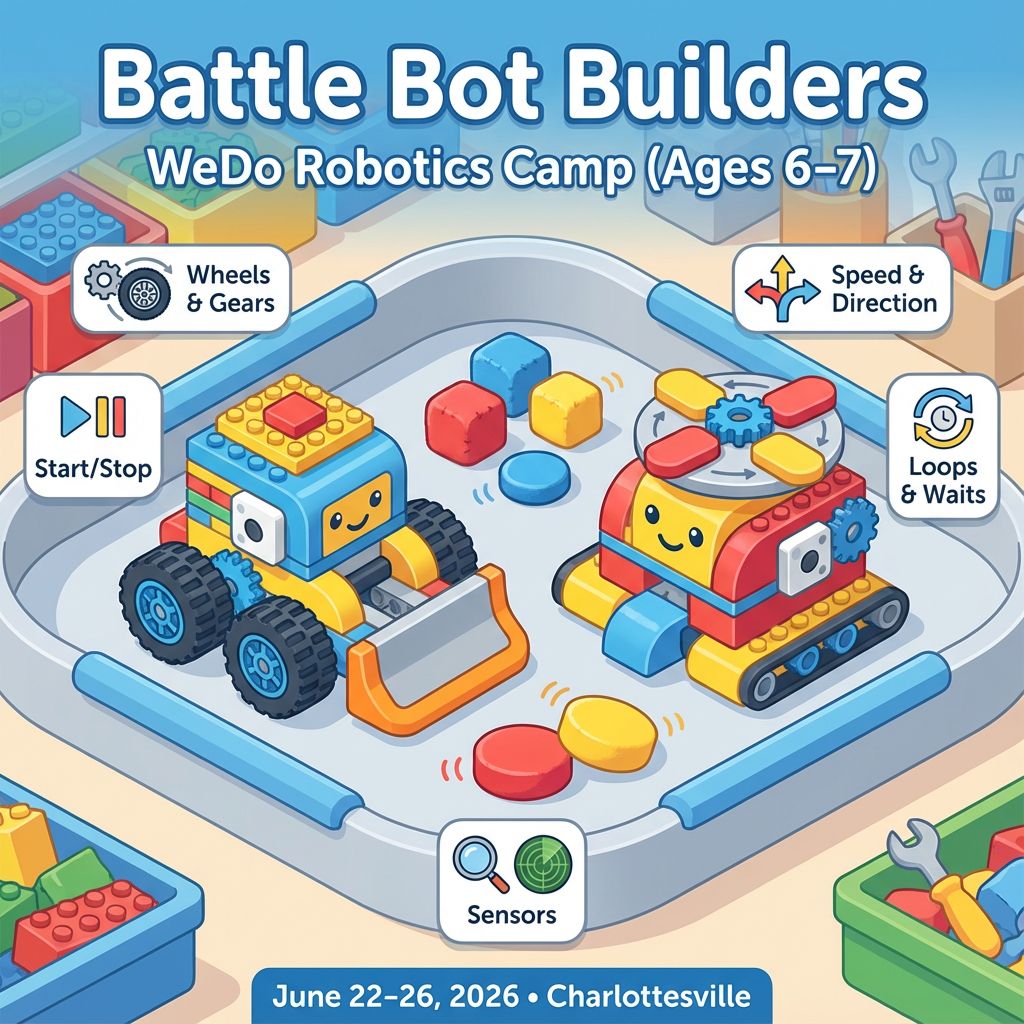
Overview: Kids design playful “battle bots” that can push, bump, spin, or nudge soft targets. They learn simple mechanisms (wheels, gears, levers), motor control with WeDo, and basic coding ideas like start/stop, speed, direction, loops, and waits. Each day includes a quick lesson, build time, testing in a small arena, and a fun share-out.

Learning Goals

  • Building: sturdy frames, wheels, bumpers, spinners, and pushers
  • Coding: start/stop motor, change speed/direction, loops, waits, simple events
  • Testing: try it, watch, tweak one thing, try again
  • Teamwork: share parts, take turns, cheer for partners

Daily Plan (4 sessions per day)

Day 1 — Meet the Bots and Roll Out

  1. Explore WeDo hub, motor, and the coding app; make a motor spin
  2. Build a rolling base with two big wheels and a front bumper
  3. Code it: go forward, stop at a line, back up a little
  4. Mini challenge: “Straight-line push” — move a soft block across a tape line

Day 2 — Turn, Spin, and Push

  1. Add a spinner or a pusher arm (choose your “battle style”)
  2. Try simple gearing: small-to-big for strong push, big-to-small for speed
  3. Code it: forward, turn, spin tool, repeat
  4. Arena game: “Sumo nudge” — nudge a plush out of a circle

Day 3 — Sensors Make It Smart

  1. Introduce a simple sensor (tilt or motion, depending on kit)
  2. Mount the sensor and tidy cables
  3. Code it: “When tilted, stop,” or “When motion, start spinner”
  4. Challenge: “Guard mode” — spinner starts only when something is close

Day 4 — Power-Ups and Style

  1. Strengthen the frame; add skids or extra rollers for stability
  2. Code a move pattern: drive-turn-drive-turn, add waits and sounds
  3. Practice rounds: timed mini-matches with quick tweaks between runs
  4. Decorate: name your bot, add flags/eyes, make a team card

Day 5 — Battle Arena and Showcase

  1. Final tune-up: check wheels, gears, and code steps
  2. Qualifiers: each bot completes two tasks (push a block, spin and stop on cue)
  3. Friendly matches: 1-minute rounds in the arena
  4. Showcase: share your bot’s name, what it does, and one improvement you made

Optional Level-Ups

  • Two-speed drive (gear ratio or power change)
  • “Spin-and-scoot” combo sequence
  • Sensor-triggered celebration sound after a push win

Camp Essentials

  • Ages: 6 to 7 years old.
  • Dates: Monday, 6/22/2026 to Friday, 6/26/2026
  • Times:
    • Full-Day,8:30 AM–5:00 PM
    • AM, 8:30 AM - 1:00 PM
    • PM, 12:30 PM - 5:00 PM
  • Location: 2171 Ivy Rd, Charlottesville, VA 22903
  • What to Bring: Water bottle, lunch, and one or two light snacks.
  • Video gaming: Not allowed
  • Tech Provided: Computers and robotics kits (for in‑camp use only; equipment stays with us).
  • Skill Level: Beginners welcome; no prior coding experience required
  • Dress Code: Comfortable clothes; indoor‑friendly shoes
  • Contact: camps@blueridgeboost.com • (434) 260‑0636
  • Allergies/Medical: Share details during registration; bring any necessary meds
  • Behavior & Safety: Kindness first; follow staff directions; internet safety rules apply
Show More
Powered by Lightspeed
Display prices in:USD
Skip to main content
Blue Ridge Boost
Classes for Adults
Classes
Camps
Events
Tutoring
Gift Card
Menu
Enrichment and tutoring in Math and Computing for any student who wants to learn. Led by Ana Nora Evans in Charlottesville, Virginia.
Terms & ConditionsPrivacy PolicyPayment PolicyRefund PolicyAbout UsReport abuse
Powered by Lightspeed