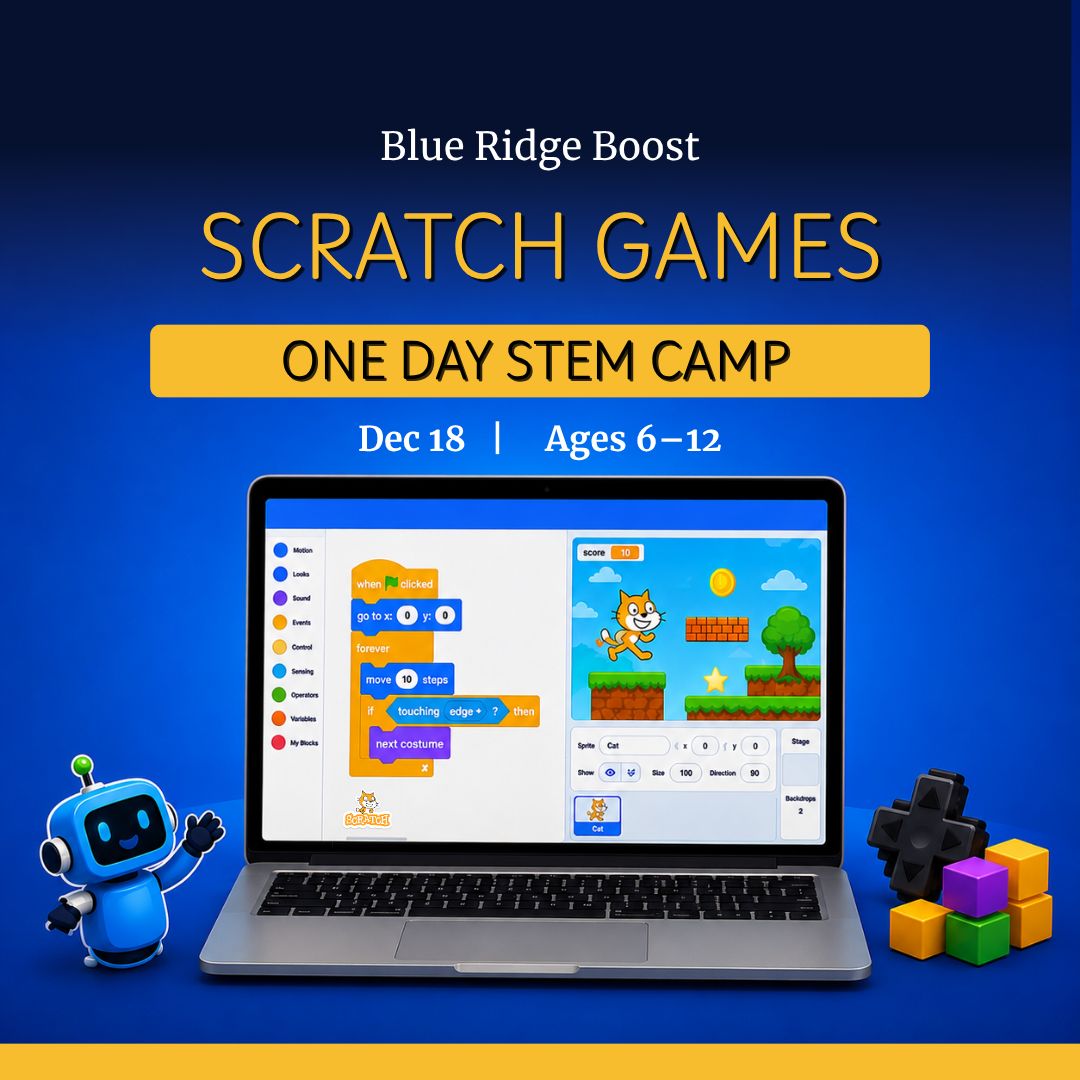
Scratch Arcade Adventure One-Day Camp - December 18, 2026
$139.99
Length
Grade Level
Gaming during Exploration Time
Save this product for later
Have questions?
Scratch Arcade Adventure One-Day Camp - December 18, 2026
Date: 12/18/2026
Camp Topic: Scratch Game Development Camp
Scratch Arcade Adventure:
Parents: A beginner-friendly, creative coding camp designed to welcome kids into computer science in just one day. Campers build a complete Scratch game through guided, age-appropriate steps—starting with sprites, events, and movement, then adding scoring, sound effects, and simple game rules. Reflection and sharing help build confidence, creativity, and communication along the way.
Kids: Make your very own game! Choose your characters, design your world, and code the rules. Add sounds, scoring, and fun effects, then share your game with friends and cheer each other on.
Project Model
Each camper creates one complete mini-game in Scratch by the end of the day. Along the way, students learn how to choose sprites and backgrounds, use event blocks, animate characters, add movement, create a score, and build a win or challenge goal. Campers can personalize art, sounds, and story details while following a guided structure.
Daily Structure
4 ninety-minute sessions per day (S1–S4)
Individual computer-based coding projects with optional buddy brainstorming
Differentiation built into each session with Try This First and Level Up options
Tools: Scratch, headphones, drawing tablet optional
Day 1: Your First Scratch Game
Outcomes: Learn how Scratch works, build a simple game with movement or clicking, use events and variables, and share a finished playable project.
S1 Choose Your Game World
Activities: Get to know the Scratch workspace, choose a theme for your game, and pick sprites and a background. Learn how event blocks work, such as starting a game with the green flag or responding to a click or key press.
Words: sprite, backdrop, code block, event, costume, sound.
Try This First: Add 1–2 sprites and a background, then make one sprite react when clicked or when the green flag starts the game.
Level Up: Use custom art in the paint editor or add multiple costumes for simple animation.
S2 Make It Interactive
Activities: Add movement, animation, or click actions to make the game fun to play. Campers choose either a clicker-style game or a simple movement challenge and begin building the main interaction.
Try This First: Make a sprite move, talk, play a sound, or react to keyboard input.
Level Up: Add smoother controls, direction changes, or random movement for a moving target.
S3 Add Score and Game Rules
Activities: Create a score variable, decide how players win or earn points, and add simple challenge rules. Campers test their game and make small improvements to pacing and difficulty.
Try This First: Increase score when a sprite is clicked or when the player reaches a goal.
Level Up: Add a timer, simple hazard, extra challenge, or second level of difficulty.
S4 Playtest, Polish, and Share
Activities: Test games with a partner, fix bugs, improve visuals or sounds, and get ready to share. Campers present their game, explain how it works, and celebrate what they created.
Reflection: What does your game do? What was one part you figured out how to code?
Level Up: Add a win screen, game over screen, bonus effect, or extra animation before final sharing.
Why Families Love This
For Parents: Campers leave with a finished coding project and a strong first experience in programming. The day is structured to balance creativity, problem-solving, and confidence-building in an approachable way.
For Campers: You get to invent your own game, bring your ideas to life, and play what you made yourself.
Inclusion & Confidence Builders
- Choice-based themes and visuals so every game feels personal
- Kind feedback and beginner-friendly support
- Bugs treated as part of learning
- Short sharing moments to build voice and confidence
Camp Essentials
Ages: 6 to 8 years old
Times:
- Full-Day: 8:30 AM–5:00 PM
- AM: 8:30 AM–1:00 PM
- PM: 12:30 PM–5:00 PM
Location: 2171 Ivy Rd, Charlottesville, VA 22903
What to Bring: Water bottle, lunch, and one or two light snacks
Video Gaming: Not allowed
Tech Provided: Computers and robotics kits (for in-camp use only; equipment stays with us)
Skill Level: Beginners welcome; no prior coding experience required
Dress Code: Comfortable clothes; indoor-friendly shoes
Contact: camps@yblueridgeboost.com • (434) 260‑0636
Allergies/Medical: Share details during registration; bring any necessary meds
Behavior & Safety: Kindness first; follow staff directions; internet safety rules apply
Note: Camps listed for ages 6 to 12 may be divided into two groups by age
Powered by Lightspeed
Display prices in:USD