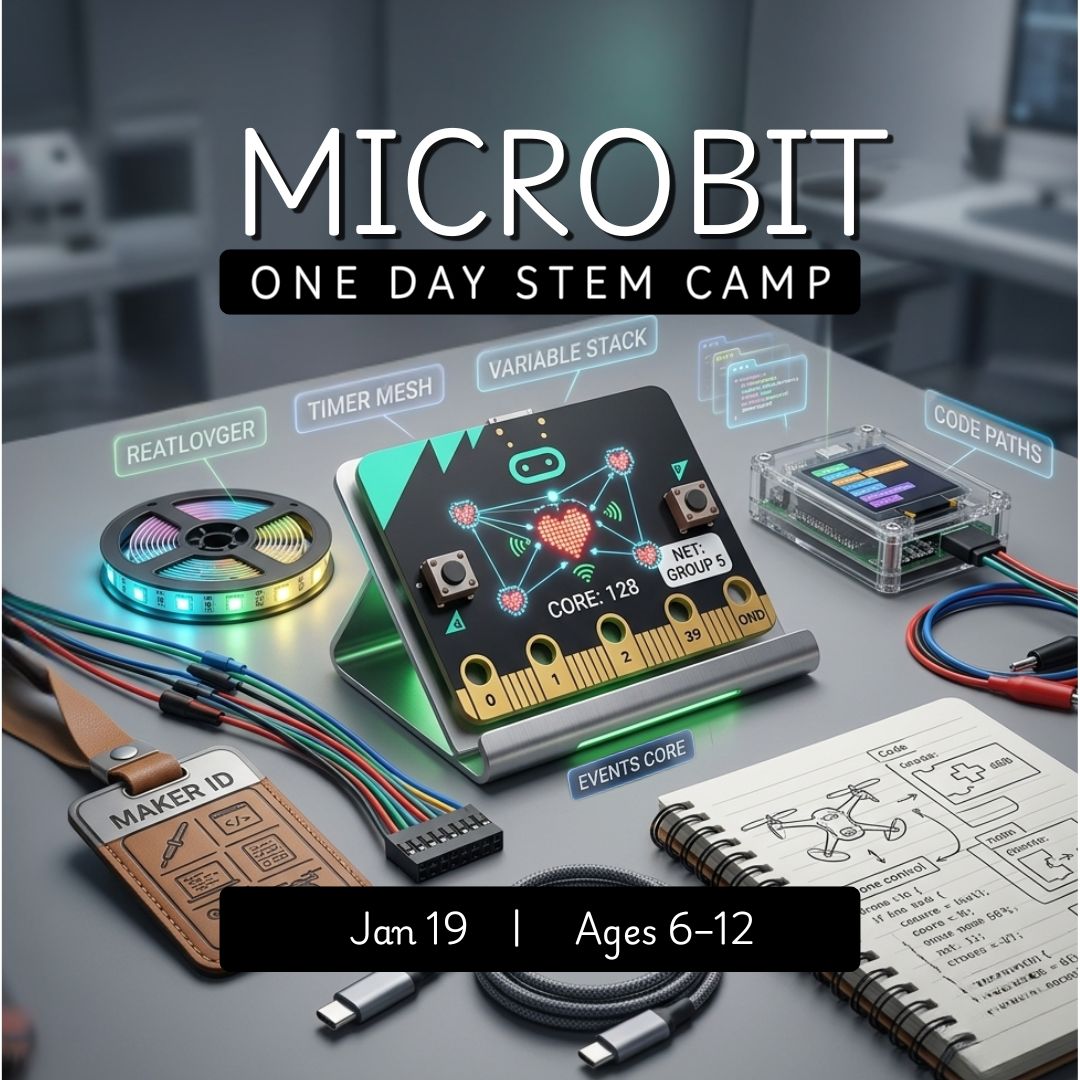
Micro:bit Inventors One-Day Camp - October 28, 2026
$139.99
Length
Grade Level
Gaming during Exploration Time
Child's Name
Enter your text
Child's Age
Enter your text
Save this product for later
Have questions?
Micro:bit Inventors One-Day Camp - October 28, 2026
Date: 10/28/2026
Camp Topic: Micro:bit Programing Camp
micro:bit Inventors Camp: Code, Create, and Play
Parents: A beginner-friendly, hands-on coding camp where students use the micro:bit to build interactive projects with lights, buttons, sounds, and sensors. Campers in grades 1–3 will explore coding through guided, age-appropriate activities that make computer science feel creative, playful, and achievable in a single day. Along the way, they’ll learn how simple code can control real hardware and bring their ideas to life. Level Up options are included for older or more advanced campers in grades 4–6.
Kids: Code your own mini inventions with a real micro:bit! Make lights flash, buttons do cool things, icons appear on the screen, and sounds play when you shake your device. You can build fun projects, try creative challenges, and turn code into something you can see and control.
Project Model
Campers create a series of beginner-friendly micro:bit projects throughout the day using Microsoft MakeCode. Students explore how code controls lights, buttons, sounds, and sensors, then personalize their work with icons, messages, and playful effects. Activities are designed for grades 1–3, with optional Level Up extensions that add more challenge for grades 4–6.
Daily Structure
4 ninety-minute sessions per day (S1–S4)
Hands-on coding and device-based projects with guided instruction and sharing
Differentiation built into each session with Try This First for grades 1–3 and Level Up for grades 4–6
Tools: micro:bit, Microsoft MakeCode, computer, project guides
Day 1: Code Your First micro:bit Creations
Outcomes: Learn how the micro:bit works, create simple interactive projects, and use buttons, lights, sounds, and sensors to build fun coded inventions.
S1 Meet the micro:bit
Activities: Campers explore the micro:bit and MakeCode, learning about the LED display, buttons, icons, and how code is downloaded to the device. Students create simple starter programs that show images, names, or patterns on the screen.
Words: code, micro:bit, LED, button, icon, program.
Try This First: Make your name or a symbol appear on the micro:bit screen.
Level Up: Add a short animation or use button presses to switch between images.
S2 Buttons, Lights, and Sounds
Activities: Use button A and button B to make different things happen, such as showing icons, playing sounds, or changing what appears on the screen. Campers begin to understand events and how code responds to actions.
Try This First: Program each button to show a different icon or message.
Level Up: Add sound effects, brightness changes, or a secret A+B action.
S3 Shake It and Sense It
Activities: Explore motion and sensors by coding the micro:bit to react when shaken or tilted. Campers might make a lucky number generator, a mini badge, or a simple light-reactive project.
Try This First: Make the micro:bit show something fun when you shake it.
Level Up: Use light level or another sensor to trigger different responses.
S4 Create and Share Your Mini Invention
Activities: Campers combine what they learned to build one final personalized micro:bit creation, such as a name badge, mood badge, mini game, or tiny tool. Students share their creations and explain what their code does.
Reflection: What did your micro:bit do? What was one part of the code you learned how to use?
Level Up: Add more than one input, create a simple score or counter, or build an extra feature into your invention.
Why Families Love This
For Parents: Campers get a strong first experience with coding and physical computing in a fun, supportive setting. The day blends creativity, logic, and hands-on technology while helping students build confidence with real STEM tools.
For Campers: You get to make lights, sounds, buttons, and sensors work your way—and build something awesome with code.
Inclusion & Confidence Builders
- Beginner-friendly coding with clear, guided steps
- Designed for grades 1–3 with Level Up options for grades 4–6
- Multiple chances to personalize projects
- Bugs treated as part of learning and experimenting
- Sharing time to build confidence and celebrate creativity
Camp Essentials
Ages: Grades 1–3, with Level Up challenge options for grades 4–6
Times:
- Full-Day: 8:30 AM–5:00 PM
- AM: 8:30 AM–1:00 PM
- PM: 12:30 PM–5:00 PM
Location: 2171 Ivy Rd, Charlottesville, VA 22903
What to Bring: Water bottle, lunch, and one or two light snacks
Video Gaming: Not allowed
Tech Provided: Computers and robotics kits (for in-camp use only; equipment stays with us)
Skill Level: Beginners welcome; no prior coding experience required
Dress Code: Comfortable clothes; indoor-friendly shoes
Contact: camps@yblueridgeboost.com • (434) 260‑0636
Allergies/Medical: Share details during registration; bring any necessary meds
Behavior & Safety: Kindness first; follow staff directions; internet safety rules apply
Note: Camps listed for ages 6 to 12 may be divided into two groups by age.
Powered by Lightspeed
Display prices in:USD