Keys & Code Camp
$539.99
Early Bird Price
was $599.99 Save $60
Session Time
Camper's Name
Enter your text
Camper's Age
Enter your text
6/29/2026 - 7/3/2026 | Ages 8-10 | Learn to type & Code
Save this product for later
Have questions?
Keys & Code Camp
Camper's Age: Ages 9-12
Camp Topic: Coding
Camp Week: Week 5 (June 29 - July 3)
Gaming: No gaming
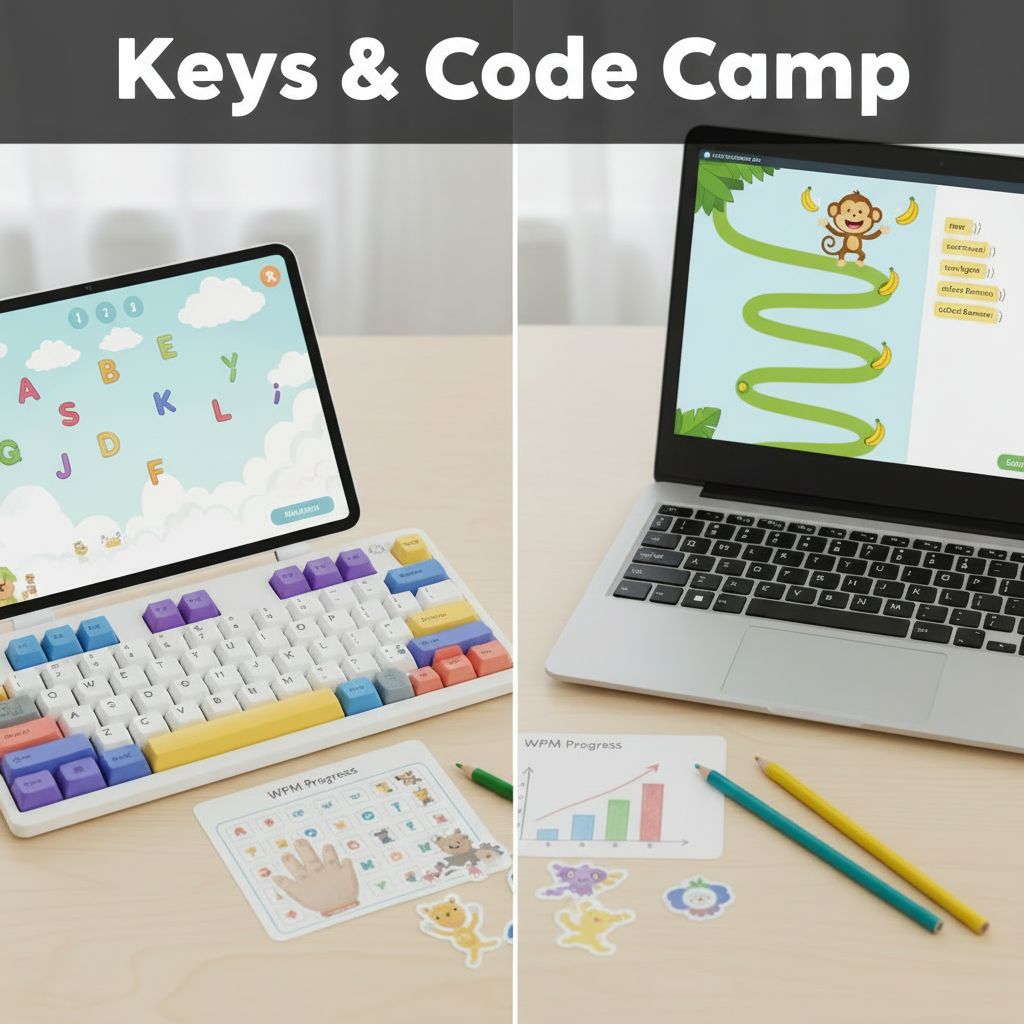
A one-week camp that pairs touch-typing fundamentals in the morning with game-based coding in the afternoon using CodeMonkey's Coding Adventure. Students build keyboard fluency first, then put those skills to work writing real text-based code in CoffeeScript — helping a monkey catch bananas through increasingly clever programs.
Full-Day Schedule
Day 1 — Home Row & Hello Code
- Morning 1: Keyboard anatomy — learn the home row (ASDF JKL;), proper finger placement, and posture. Practice drills with visual finger guides. Goal: type home row letters without looking
- Morning 2: Home row games — typing races, word drills, and timed challenges using only home row keys. Introduce Shift for capitals. Track starting WPM as a personal baseline
- Afternoon 1: Meet CodeMonkey — Challenges 1–15: write commands like
step 5andturn leftto guide the monkey to bananas. Concepts: objects, function calls, arguments - Afternoon 2: Distance and direction — Challenges 16–30: combine steps and turns on trickier paths. Concept: sequencing multiple commands into a program
Day 2 — Reaching Up & Looping Around
- Morning 1: Top row keys — learn QWERTY UIOP reach patterns from home row. Drills on alternating between rows. Introduce common letter combos (th, er, in, on)
- Morning 2: Sentence practice — type real sentences using home + top row. Speed challenge: beat yesterday's WPM. Fun activity: type song lyrics or funny sentences
- Afternoon 1: Loops — Challenges 31–55: use
times 3loops instead of repeating commands. Concept: repeating actions efficiently - Afternoon 2: Variables in loops — Challenges 56–70: store distances in variables like
d = 6and use them inside loops. Concept: variables as containers that hold and change values
Day 3 — Full Keyboard & Arrays
- Morning 1: Bottom row keys — learn ZXCVBNM reach patterns. Full alphabet now in play. Drills on tricky reaches (b, y, p) and common words across all rows
- Morning 2: Paragraph typing — type short paragraphs for fluency. Introduce punctuation (period, comma, question mark). Mini-competition: fewest errors wins
- Afternoon 1: Arrays — Challenges 71–100: meet the
bananasarray. Usebananas[0],bananas[1]to target specific bananas. Concept: ordered lists, zero-based indexing - Afternoon 2: For loops — Challenges 101–120: use
for b in bananasto act on every banana automatically. Concept: iterating over arrays
Day 4 — Speed Building & Smart Decisions
- Morning 1: Numbers and symbols — learn the number row and common symbols (!, @, ?, quotes). Practice typing code-like text:
step 5,bananas[0] - Morning 2: Code typing drills — type actual CoffeeScript snippets from Coding Adventure challenges. Track WPM improvement from Day 1
- Afternoon 1: Conditionals — Challenges 121–150:
ifandif-elsestatements. If a banana is frozen, the goat hits it first. Concept: making decisions in code - Afternoon 2: Until loops — Challenges 151–170:
until monkey.near bananakeeps stepping until the goal is reached. Concept: condition-based loops. Debug an infinite loop together
Day 5 — Championship Day
- Morning 1: Typing tournament — bracket-style speed competition. Prizes for fastest WPM, most improved, and highest accuracy
- Morning 2: Creative typing — students type their own short story or joke book. Final WPM test — compare to Day 1 baseline and celebrate growth
- Afternoon 1: Boolean operators & Challenge Builder — Challenges 171–190: combine conditions with
and/or. Then design a custom CodeMonkey challenge for a classmate - Afternoon 2: Challenge swap — trade and race to solve custom challenges. Awards: Fastest Fingers, Code Champion, Best Challenge Designer
Half-Day Options
Typing only (morning): Morning 1 + Morning 2 each day — a complete touch-typing course from home row to full keyboard with speed benchmarking.
Coding only (afternoon): Afternoon 1 + Afternoon 2 each day — the full Coding Adventure progression from basic commands through conditionals and Challenge Builder.
Skills: Touch typing (20–35+ WPM) · CoffeeScript fundamentals · Objects & function calls · Loops & variables · Arrays & iteration · Conditionals & boolean logic · Problem-solving & debugging
Powered by Lightspeed
Display prices in:USD