Intro to JavaScript
$1 169.99
Early Bird Price
was $1 299.99 Save $130
Time
Please choose
July 6-10 & 13-17 | Ages 13-18 | Coding
Save this product for later
Have questions?
Intro to JavaScript
Camper's Age: Ages 13-18
Camp Topic: Coding
Camp Week: Weeks 6-7 (July 6-10 & July 13-17)
Gaming: No gaming
Introduction to JavaScript
Ages 13–15 | 5-Day Full-Day or 10-Day Half-Day
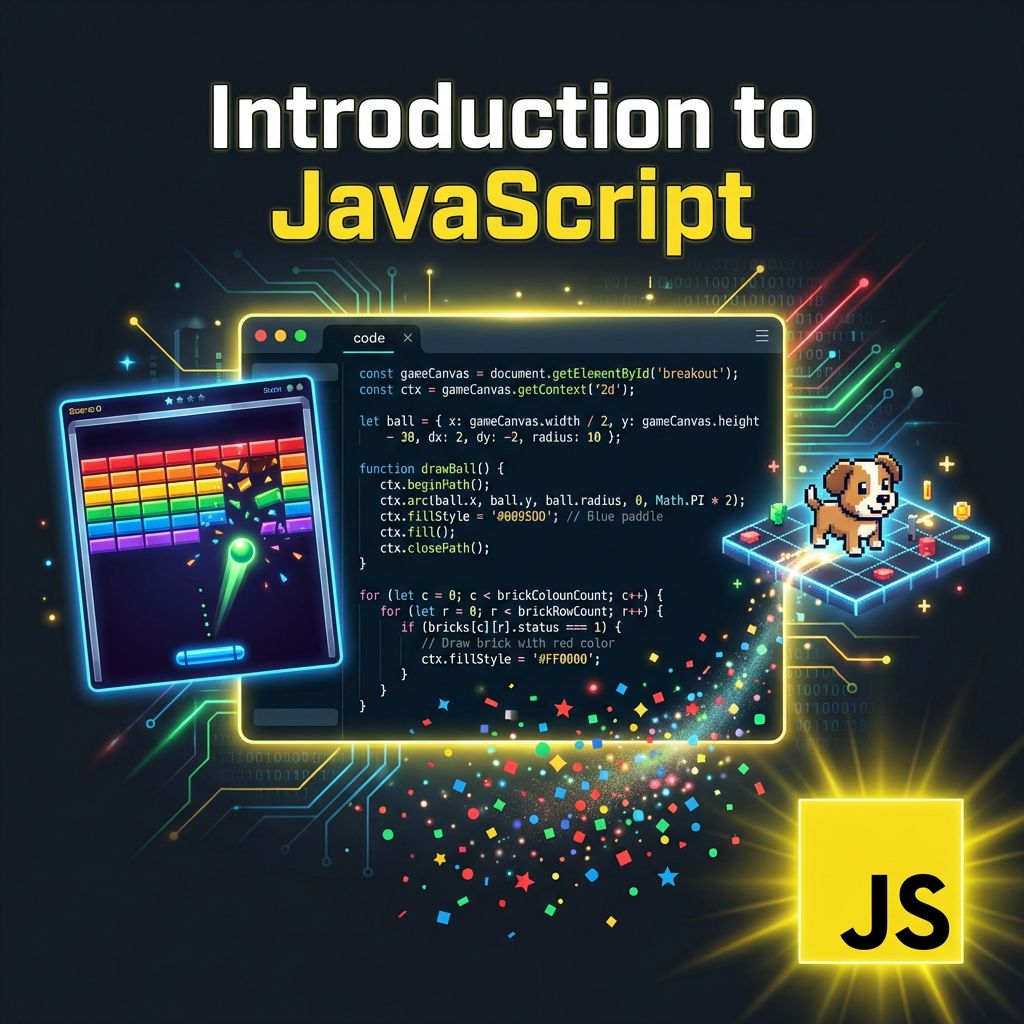
Start with Karel the Dog to learn algorithmic thinking, draw on the HTML5 Canvas, code animations and collision detection, build a Breakout arcade game, work with arrays and objects, and finish with an original game of your own. Powered by CodeHS Intro to Computer Science in JavaScript (Corgi).
Full-Day Schedule (5 Days, 4 sessions/day)
Day 1 — Karel & Canvas Graphics
| Session | Project |
|---|---|
| AM 1 | Karel commands — move, turn, put/pick beepers; solve puzzles (Short Stack, Make a Tower, Pyramid of Karel) |
| AM 2 | Functions in Karel — decompose problems, write reusable commands; Karel Challenges (Fireman Karel, Slide Karel) |
| PM 1 | JavaScript basics — variables, types, operators, console.log; transition from Karel to text-based code |
| PM 2 | Canvas and graphics — draw rectangles, circles, lines, and colors; Projects: 8 Ball, Color the Rainbow, Create Your Own Plant |
Day 2 — Control Structures & Functions
| Session | Project |
|---|---|
| AM 1 | If/else statements and boolean logic — code a number classifier and input validator |
| AM 2 | For loops and while loops — loop-driven graphics: Confetti, Caterpillar, Lots of Circles |
| PM 1 | Write functions with parameters and return values; refactor graphics code into reusable drawing functions |
| PM 2 | Challenges: Guessing Game (with hints and attempt counter), Landscape Generator (random trees, clouds, mountains), RGB Color Explorer |
Day 3 — Animation & Game Mechanics
| Session | Project |
|---|---|
| AM 1 | Timer-based animation — move shapes across the canvas, animate size and color; bouncing ball physics |
| AM 2 | Mouse and keyboard events — build interactive programs that respond to clicks, drags, and key presses |
| PM 1 | Collision detection — check if objects overlap; trigger events on collision |
| PM 2 | Project: Ghost Invasion — animated enemies, player-controlled character, collision-based scoring |
Day 4 — Breakout & Data Structures
| Session | Project |
|---|---|
| AM 1 | Breakout Part 1 — draw the paddle, animate the ball, code wall-bouncing and paddle-tracking with keyboard input |
| AM 2 | Breakout Part 2 — generate a grid of bricks, detect ball-brick collisions, remove bricks on hit, add score display |
| PM 1 | Arrays — create, index, push, pop, iterate; manage game objects (brick arrays, high-score lists) |
| PM 2 | Objects — key-value pairs, dot notation; structure game entities as objects with x, y, width, color properties |
Day 5 — Final Game Project
| Session | Project |
|---|---|
| AM 1 | Plan an original game — choose a concept (platformer, shooter, puzzle, catching game); sketch mechanics, list functions, and identify data structures |
| AM 2 | Build — implement game loop, canvas rendering, and player controls |
| PM 1 | Build — add enemies/obstacles, scoring, levels, win/lose conditions; test and debug |
| PM 2 | Demo day — play each other's games, walk through code, peer feedback |
Half-Day Schedule (10 Days, 2 sessions/day)
| Days | Content |
|---|---|
| Days 1–2 | Karel & Canvas Graphics (Full-Day 1 content) |
| Days 3–4 | Control Structures & Functions (Full-Day 2 content) |
| Days 5–6 | Animation & Game Mechanics (Full-Day 3 content) |
| Days 7–8 | Breakout & Data Structures (Full-Day 4 content) |
| Days 9–10 | Final Game Project (Full-Day 5 content) |
What You'll Build
- Karel maze-solving algorithms (Tower, Pyramid, Fireman Karel)
- Canvas graphics — 8 Ball, Color the Rainbow, custom plant
- Loop-driven art — Confetti, Caterpillar, Lots of Circles
- Guessing Game and Landscape Generator
- Ghost Invasion animated game
- Breakout arcade game with bricks, ball, paddle, and scoring
- Original final game project
Tools & Technologies
- JavaScript (CodeHS online IDE)
- HTML5 Canvas for graphics and animation
- Karel the Dog visual programming environment
- Event-driven programming (mouse, keyboard)
Powered by Lightspeed
Display prices in:USD