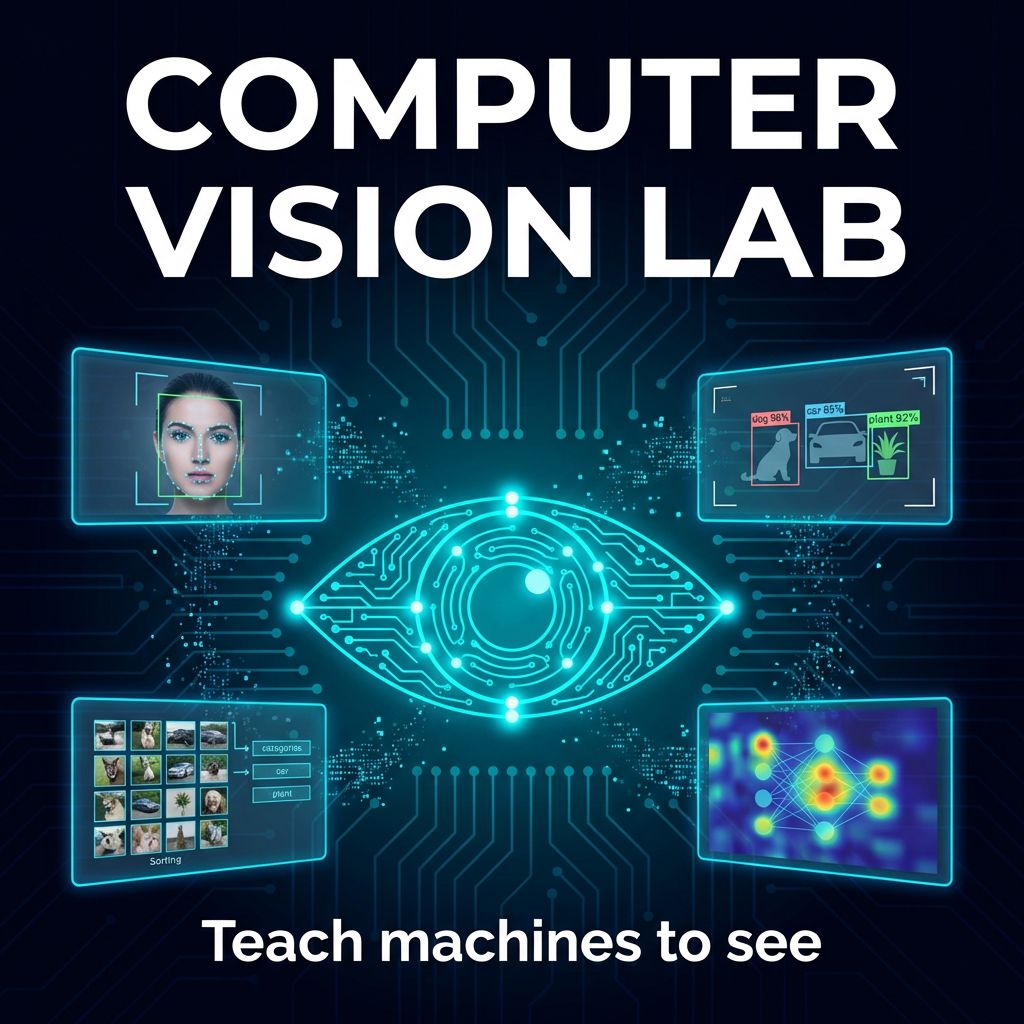
Computer Vision Lab
$539.99
Early Bird Price
was $599.99 Save $60
Session Time
Gaming Option (Exploration Time)
Camper's Name
Enter your text
Camper's Age
Enter your text
7/6/2026 - 7/10/2026 | Ages 14-18 | AI
Save this product for later
Have questions?
Computer Vision Lab
Camper's Age: Ages 13-18
Camp Topic: AI
Camp Week: Week 6 (July 6-10)
Gaming: With parent permission during Exploration Time
A one-week camp where teens train machines to see. Students build image classifiers, object detectors, and real-time recognition systems using Teachable Machine and TensorFlow Lite — starting with zero coding experience and ending with models that run on their own devices.
Full-Day Schedule
Day 1 — How Machines See
- Morning 1: What is computer vision? — How cameras capture pixels, how AI finds patterns in images, and why training data matters. Play "spot the difference" to think like a classifier
- Morning 2: Teachable Machine — train your first image model in the browser. Collect webcam samples of 3 hand gestures, train, and test in real time. See confidence scores change live
- Afternoon 1: Improve your model — learn about overfitting, underfitting, and class balance. Retrain with better data: varied backgrounds, lighting, and angles. Compare accuracy before and after
- Afternoon 2: Export and deploy — download your Teachable Machine model and embed it in a simple web page. Build a "rock-paper-scissors" game that uses your webcam model as the input
Day 2 — Image Classification Deep Dive
- Morning 1: Inside the neural network — how convolutional layers detect edges, textures, and shapes. Visualize what each layer "sees" using interactive demos. No math, just intuition
- Morning 2: Custom dataset creation — photograph objects around the room (snacks, school supplies, shoes) to build a real training set. Learn labeling, folder structure, and data splits (train/test)
- Afternoon 1: Transfer learning — use a pre-trained MobileNet model in TensorFlow Lite and retrain just the final layers on your custom dataset. See how accuracy jumps with far less data
- Afternoon 2: Challenge: 10-class classifier — teams race to build the most accurate model that identifies 10 different objects. Test on each other's items. Highest accuracy wins
Day 3 — Object Detection
- Morning 1: Classification vs. detection — classifiers say what's in the image; detectors say where. Explore bounding boxes, confidence scores, and multi-object scenes using pre-built COCO-SSD models
- Morning 2: Real-time object detection — run a live detector through the webcam that identifies dozens of everyday objects. Log what it finds, note what it gets wrong, and discuss why
- Afternoon 1: Custom object detection — annotate training images with bounding boxes using a labeling tool. Train a detector to find a specific object (your water bottle, a specific book, a pet in photos)
- Afternoon 2: Smart camera project — build a "security camera" that detects specific objects entering the frame and triggers an alert (on-screen notification + sound). Test with real scenarios
Day 4 — Advanced Vision Projects
- Morning 1: Pose detection — use MediaPipe or PoseNet to track body landmarks in real time. Map skeleton points to the screen. Control a stick-figure character with your body movements
- Morning 2: Face mesh & hand tracking — detect facial landmarks and hand gestures through the webcam. Build an "air piano" or emoji face filter that responds to expressions
- Afternoon 1: AI ethics in vision — bias in facial recognition, surveillance concerns, and consent. Case studies: when computer vision helps (medical imaging, accessibility) vs. when it harms. Group discussion
- Afternoon 2: Final project kickoff — choose a capstone: a gesture-controlled game, an accessibility tool, a sorting system, a fitness form-checker, or your own idea. Plan the dataset, model type, and interface
Day 5 — Build & Showcase
- Morning 1: Final project build — collect data, train the model, integrate into the app. Instructor support for debugging and fine-tuning accuracy
- Morning 2: Polish and test — optimize confidence thresholds, handle edge cases, and build a clean interface. Prepare a demo walkthrough
- Afternoon 1: Showcase — live demos for the class. Each student runs their project on a real webcam feed while explaining how it works. Peer voting: Most Accurate, Most Creative, Best Real-World Application
- Afternoon 2: Where computer vision is going — autonomous vehicles, medical imaging, AR glasses, robotics. How to keep learning: Python + OpenCV next steps. Awards and wrap-up
Half-Day Version
Use Morning 1 + Morning 2 from each day. Half-day students master Teachable Machine, build custom classifiers, explore real-time object detection, try pose/hand tracking, and present a final project.
Skills: Image classification · Object detection · Transfer learning · Dataset creation & labeling · Teachable Machine & TensorFlow Lite · Pose & hand tracking · Model evaluation & debugging · AI ethics
Powered by Lightspeed
Display prices in:USD